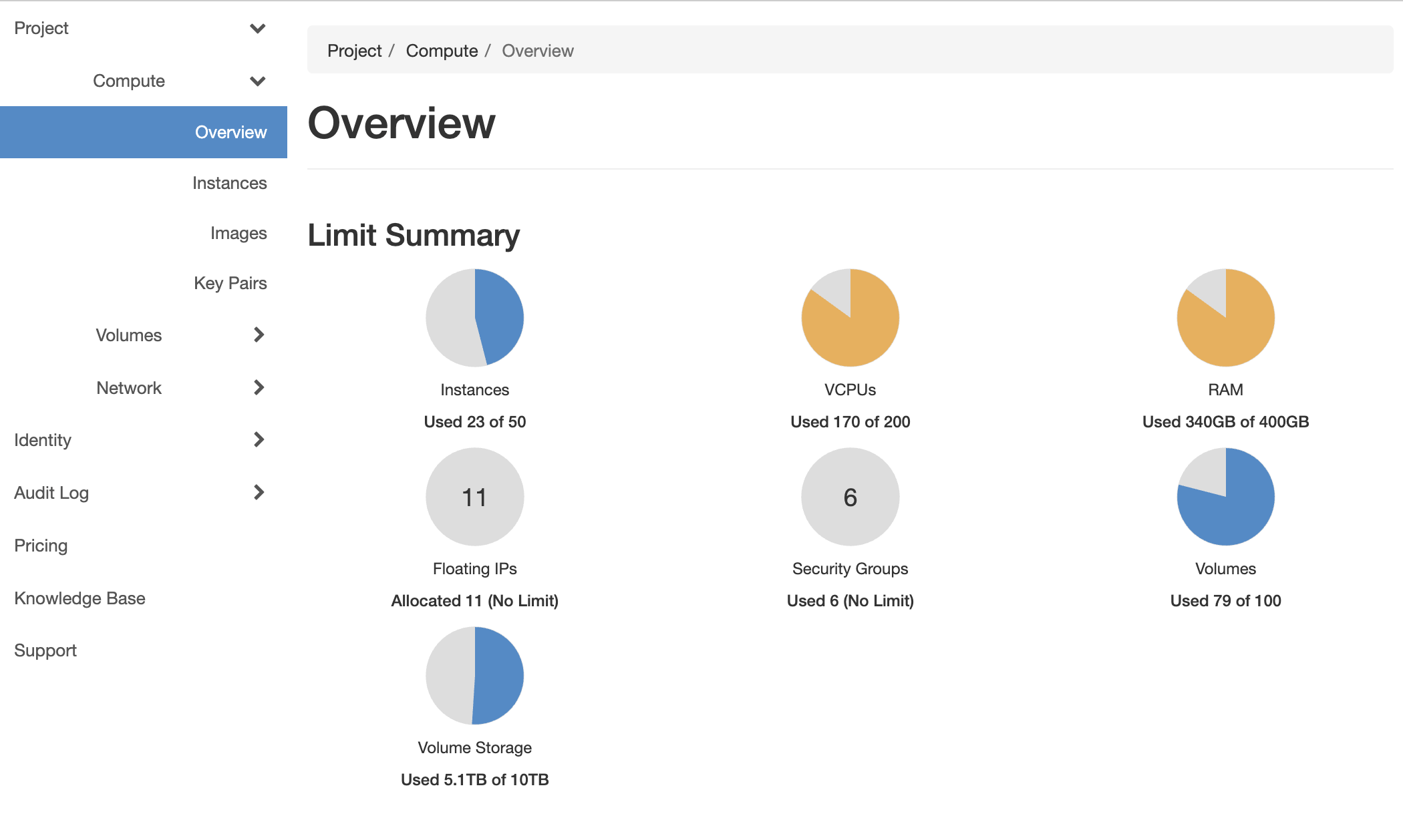
Bluvalt is moving to Single Sign On (SSO) and Multi-Factor Authentication (MFA) for increased security. This document will walk you through the steps to login using SSO and MFA.
Assumptions
- You have subscribed to Bluvalt Cloud. If not, Get a subscription from here
- You have an authenticator app, for example Google or Microsoft Authenticator
Steps
Navigate to Horizon dashboard (Currently SSO is available on JED1, https://jed1-vdc.bluvalt.com) and it will take you to the SSO login page
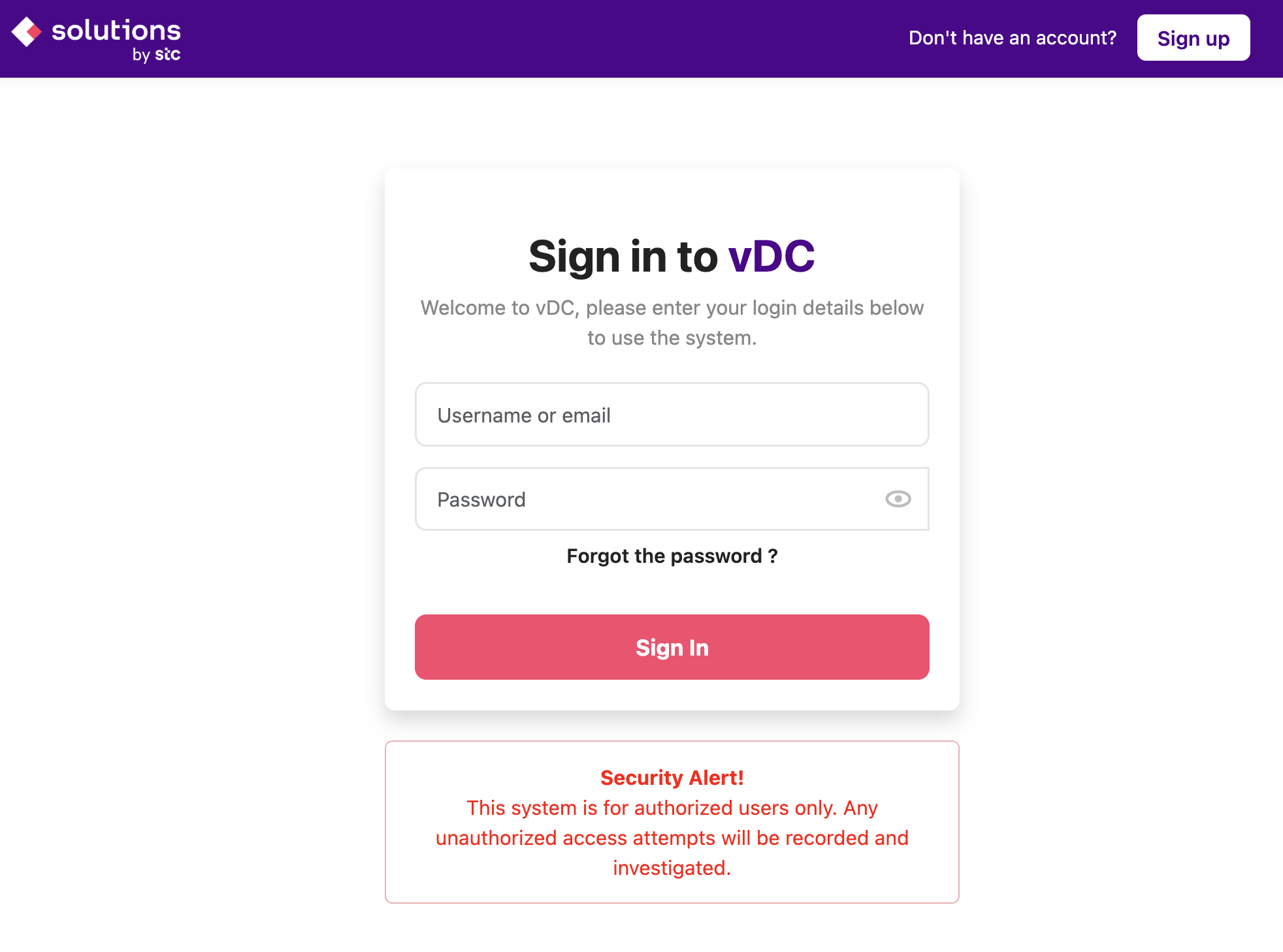
Login with your credentials
You will get the Two Factor Authentication Setup page
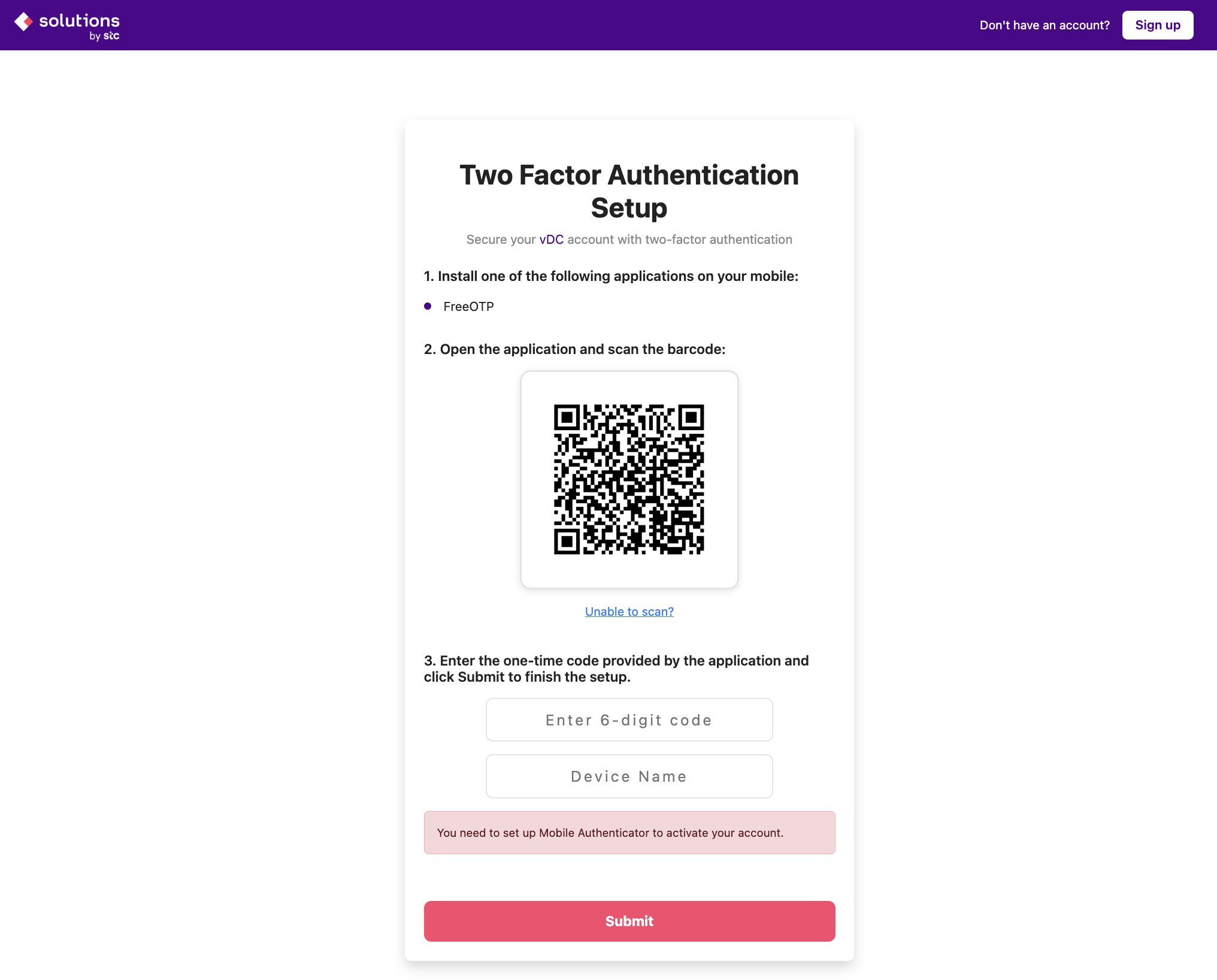
After setting up your device and enter the code click submit and you will be authenticated and redirected to the dashboard